> For the complete documentation index, see [llms.txt](https://docs.amondo.com/llms.txt). Markdown versions of documentation pages are available by appending `.md` to page URLs; this page is available as [Markdown](https://docs.amondo.com/trust-and-compliance/usage-rights/permissions-and-rights/getting-explicit-consent-to-use-content.md).
# Getting Explicit Consent to Use Content
## Overview
Explicit consent ensures you have the right to use user-generated content (UGC) in campaigns or activations. Consent must be freely given, informed and documented. This page explains the different ways to request and record explicit consent, and how Amondo can help manage the process on your behalf.
## Channels for collecting consent
### Direct message (DM)
Send a message directly to the content creator asking for permission to use their content.
Include a clear statement of intended use (e.g. “We’d like to feature your post on our campaign gallery”) and an explicit way for them to confirm (e.g. replying “YES” or “I consent”).
### Comment
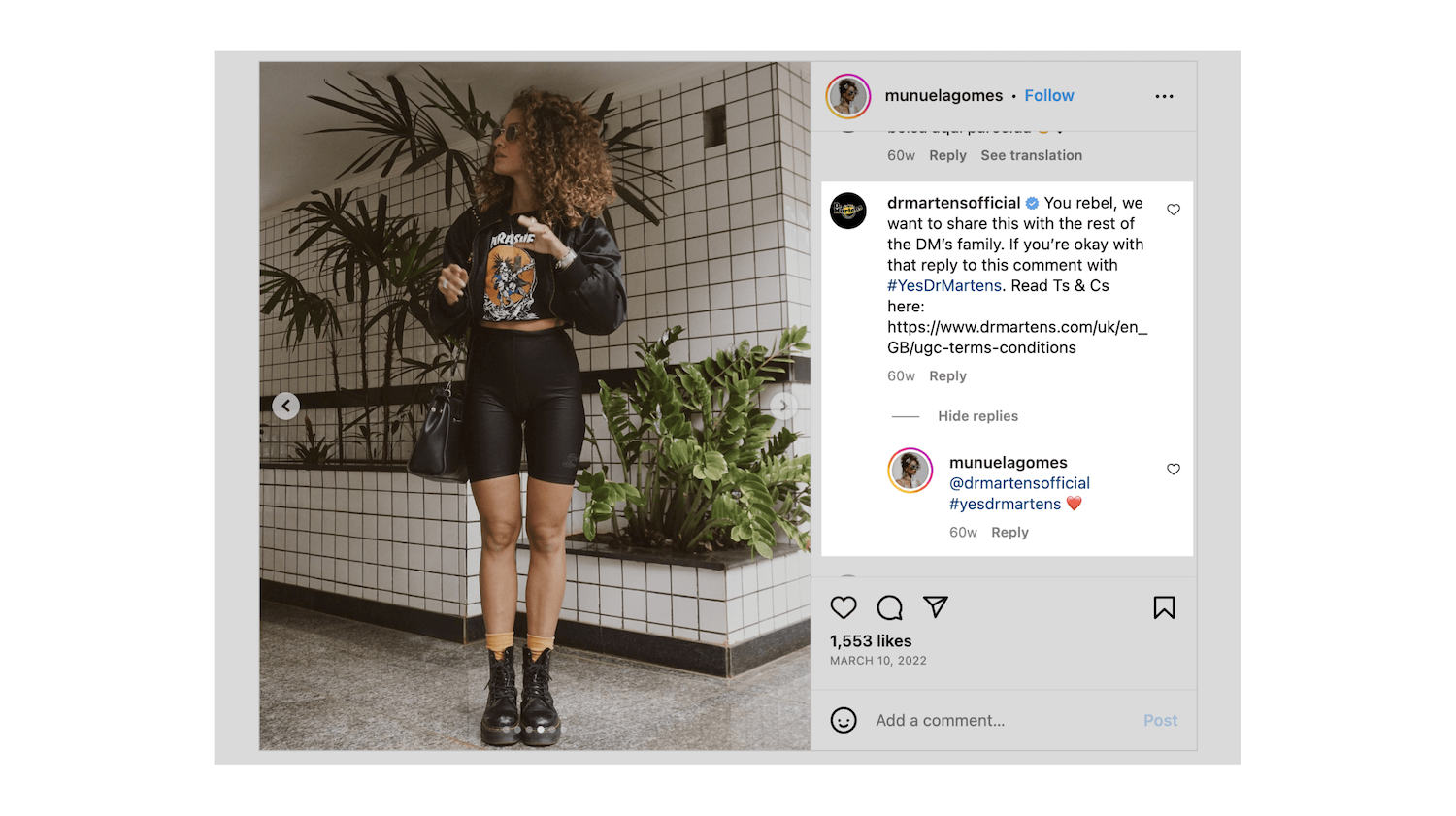
Reply to a user’s post or comment publicly to request permission (e.g. “We’d love to feature this post on our website — reply #YesBrand to give permission”).
Keep a screenshot or record of the exchange as evidence of consent.
### Email
Request permission by email when social channels aren’t suitable. You should include:
* The content or post in question
* Where it will be used
* A simple, single-step way to confirm (e.g. replying “I consent” or ticking a checkbox in a form)
### In person
At events or activations, collect consent on-site using a short digital form.
The form should include:
* A thumbnail or reference to the content
* The person’s name or handle
* A checkbox confirming permission and a timestamp
## Forms and written consent
Consent can be captured either:
* **In writing**, via DM, comment or email confirmation
* **Through a form**, which records the creator’s details, consent statement and timestamp
Written confirmations and form submissions should be stored for audit and compliance. Amondo’s consent forms include fields for name, handle, email, date, time and campaign reference.
## Amondo support
Amondo can manage the full consent process for you. The team can:
* Send consent requests to creators by DM or email
* Provide hosted consent forms for campaigns or events
* Track and store confirmed permissions linked to content IDs or creator handles
* Generate downloadable consent logs for compliance or audit purposes
To learn more about how Amondo can handle this process as part of your campaign delivery, see [Managed Delivery](/managed-delivery/overview.md).