> For the complete documentation index, see [llms.txt](https://docs.amondo.com/llms.txt). Markdown versions of documentation pages are available by appending `.md` to page URLs; this page is available as [Markdown](https://docs.amondo.com/platform-guides/build/activation-tiles.md).
# Activation Tiles
Learn how Activation Tiles enhance Imprints with interactivity, data capture and branded experiences.
### Overview
Imprints can be enhanced with a range of **Activation Tiles** that go beyond static content. These tiles introduce interactivity, capture audience data and create opportunities to motivate deeper engagement. They are the foundation of Amondo’s engagement capabilities.
Activation Tiles include:
* [Brand Tiles](#brand-tiles)
* [Clickthrough Tiles](#clickthrough-tiles)
* [Quiz Tiles](#quiz-tiles)
* [QR Code Tiles](#qr-code-tiles)
* [Form Tiles](#form-tiles)
* [Submission Tiles](#submission-tiles)
### Brand Tiles
Add **Brand Tiles** to feature logos, amplify messaging and showcase partnerships. They are a simple way to bring brand visibility into any Imprint.
**Supported formats:** Grid, Carousel, Stories, Screen
### Clickthrough Tiles
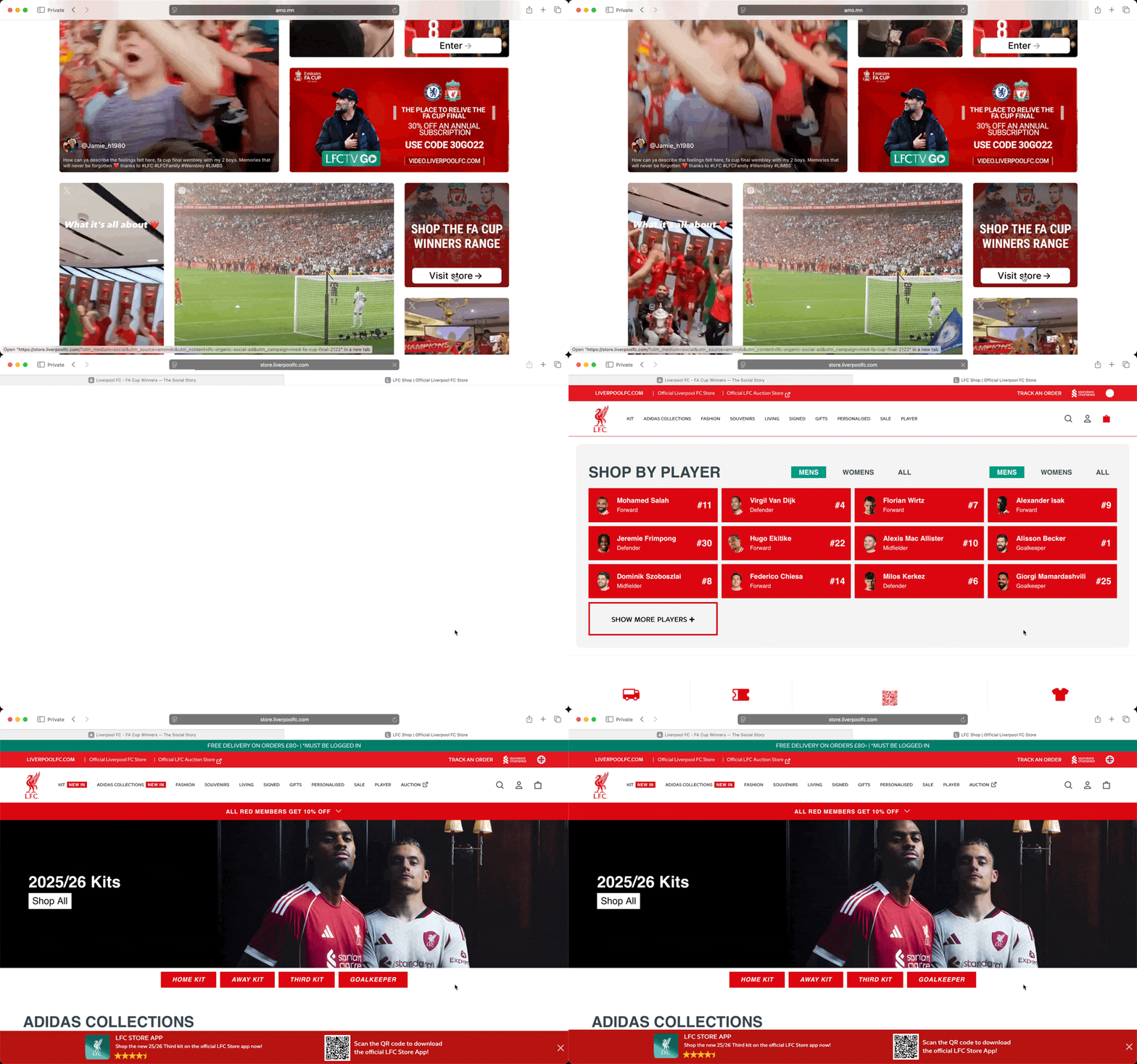
**Clickthrough Tiles** direct audience journeys and facilitate conversions. They can promote products, events or content and are fully customisable with calls to action.
**Supported formats:** Grid, Carousel, Stories
{% hint style="success" %}
Learn how to set up Clickthrough Tiles [here](#clickthrough-tiles)
{% endhint %}
### Quiz Tiles
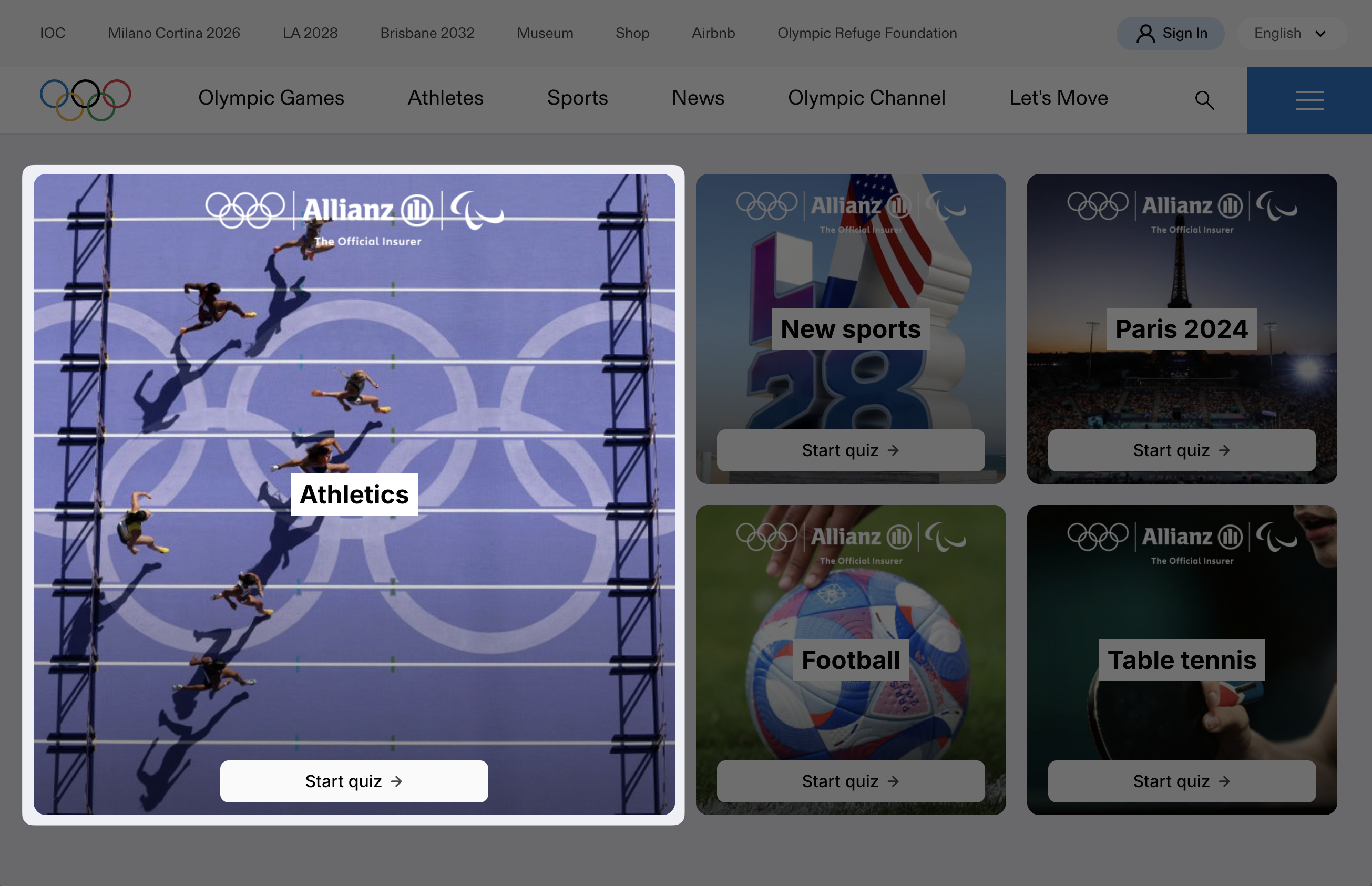
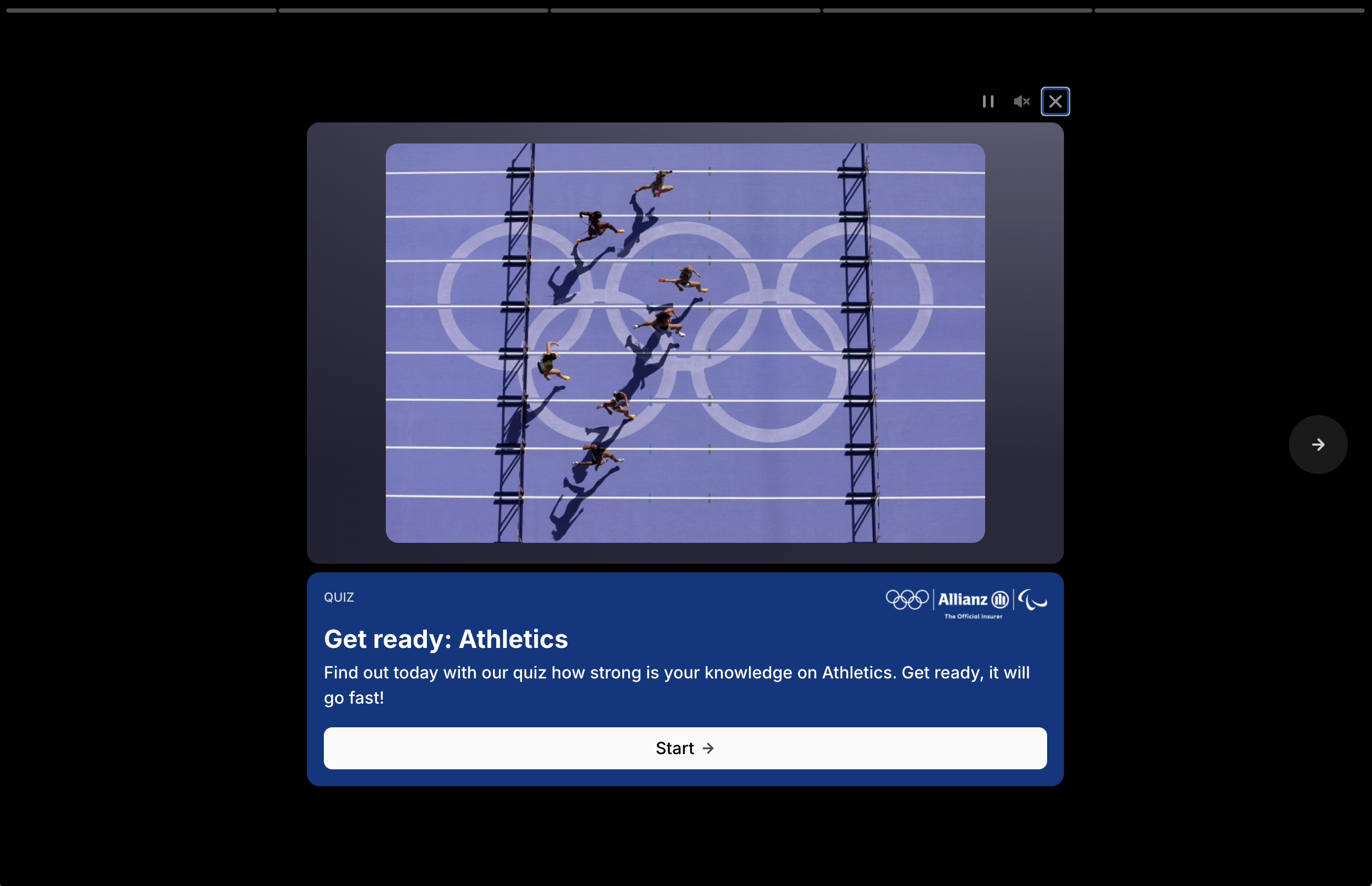
**Quiz Tiles** drive active engagement and capture first-party data. They can be customised with branding, synced to databases and exported for reporting.
**Supported formats:** Grid, Carousel, Stories
{% hint style="success" %}
Learn how to set up Quiz Tiles [here](/platform-guides/build/activation-tiles/quizzes.md).
{% endhint %}
### QR Code Tiles
**QR Code Tiles** display a scannable QR code inside an Imprint. Use them to move viewers from a live display, screen or physical placement into a mobile web journey.
**Supported formats:** Grid, Carousel, Stories, Screen
### Form Tiles
**Form Tiles** capture structured data from your audience. Use them to generate leads, drive sign-ups or collect survey responses.
Form Tiles support text, email, multiple-choice and Yes/No inputs, so forms can capture both free-text responses and predefined answer selections inside the Imprint experience.
**Supported formats:** Grid, Carousel, Stories, Screen (via QR code linking to form on web/app)
{% hint style="success" %}
Learn how to set up Form Tiles [here](/platform-guides/build/activation-tiles/forms.md).
{% endhint %}
### Submission Tiles
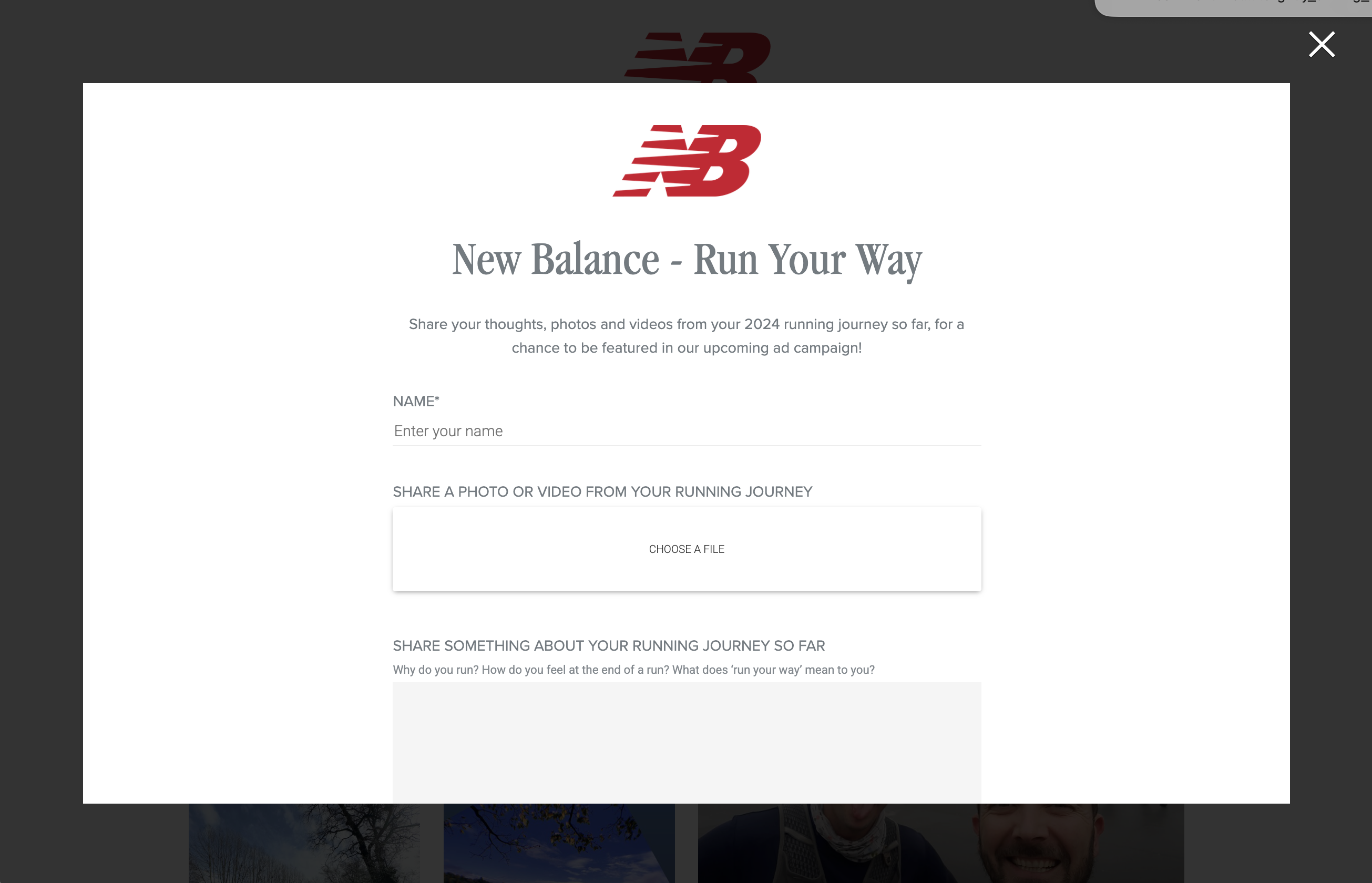
**Submission Tiles** enable users to submit photos or videos. Submissions are moderated in the dashboard and include built-in rights and permissions capture.
**Supported formats:** Grid, Carousel, Stories, Screen (via QR code)
{% hint style="success" %}
Learn how to set up Submission Tiles [here](/platform-guides/build/activation-tiles/submissions.md).
{% endhint %}